


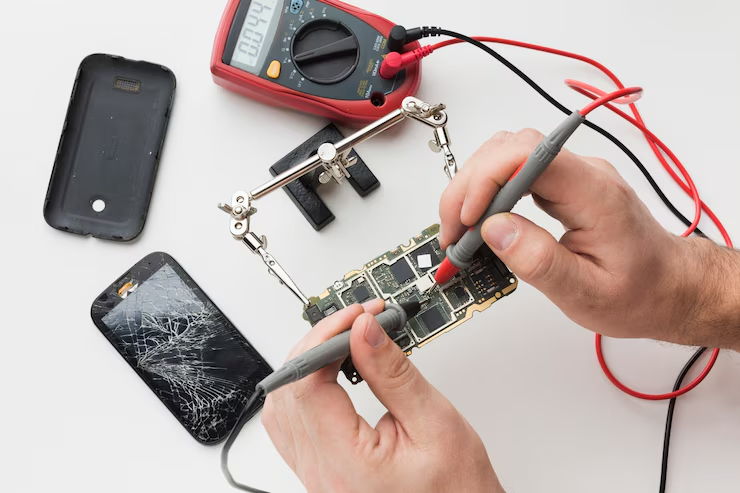
How to Fix Slow Android Phone in Minutes is a question most Android users search for sooner or later. At Tech Short Tips, we help make your phone feel brand new again with a few quick solutions. Constant use, background apps, and outdated files can slow down performance significantly over time.
How to Fix Slow Android Phone in Minutes starts with simple changes that boost speed and improve responsiveness. Clearing storage, removing unused apps, and tweaking system settings often brings immediate results. These methods don’t require advanced skills or tools, making them perfect for every user.
Clear Cache and Junk Files Regularly
Phones store temporary files that eat up space and slow down processing. Clearing app cache and junk files through your phone’s storage settings can free up valuable memory and speed up performance noticeably.
Uninstall Unused Apps and Bloatware
Pre-installed apps or apps you no longer use still consume resources. Removing them helps reduce background processes and gives your phone more room to run efficiently without lag.
Restart Your Phone at Least Once a Week
A simple restart closes background tasks, clears memory, and gives your phone a fresh start. It helps remove temporary glitches that build up from constant use.
Disable Animations and Background Processes
Turning off unnecessary animations in developer settings reduces processing strain. Also, limiting background activity improves battery and speed together.
Keep Your System and Apps Updated
App and system updates often fix bugs and improve speed. Make sure to check for the latest software versions to ensure smooth functionality and improved device health.
Use Lite Versions of Apps for Better Performance
Lite apps consume less memory and data while offering similar functionality. Apps like Facebook Lite or Messenger Lite are perfect for boosting speed on low-end Android phones.
FAQs
Q1:Why does my Android phone become slow over time?
A:Frequent use fills up storage, increases background activity, and causes the processor to work harder, which eventually reduces performance.
Q2:Does clearing the cache improve phone speed?
A:Yes, clearing cache removes temporary files that can slow down the phone’s operation and helps apps run more smoothly.
Q3:Should I always update my phone to fix slowness?
A:Updating your phone ensures it has the latest performance improvements, security patches, and bug fixes, which helps maintain speed.
Q4:Can too many apps slow down my Android phone?
A:Yes, especially those running in the background. Too many apps consume RAM and storage, leading to lag and slower response times.
Q5:Are cleaner apps good for speeding up Android phones?
A:While some cleaner apps work, many are unnecessary or contain ads. It’s better to use built-in tools to manage storage and memory.
Conclusion
How to Fix Slow Android Phone in Minutes is simpler than it sounds. With a few effective tweaks and regular maintenance, any Android user can restore speed and improve performance without technical expertise. These small steps can make a big difference in how your phone functions daily.